Clarify the flow and the question the prototype needs to answer.
Prototyping · Workhuman AI practice
Test the behaviour early
I use this prototyping workflow to turn a focused question into something that can be exercised in a browser.
ux-prototyping
The problem
Why this belongs
in the workflow.
A static happy path leaves loading, empty states and error recovery unresolved.
What the skill makes explicit.
Build an inspectable HTML, CSS and JavaScript experience.
Include loading, empty and error states so review reaches beyond the happy path.
Evidence and learning
From instructions
to practice.
The supplied instructions describe a grayscale prototype and state controls for inspecting behaviour.
Contribution and evidence scope
This is a supporting workflow. The folder alone does not establish original authorship or a particular shipped Workhuman prototype.
Source: the supplied ux-prototyping skill and associated records. Internal component identifiers and company endpoints are omitted.
Process flow
How this skill handles a task.
A static happy path leaves loading, empty states and error recovery unresolved.
- 01
Frame the question
Define the journey and the decision being evaluated.
- 02
Build the flow
Create a working browser prototype with real content.
- 03
Expose edge states
Include loading, empty, error and recovery states.
- 04
Try the journey
Review the complete journey beyond the happy path.
DECISION CHECKPOINT
Can the flow be evaluated?
Proceed
Share a working prototype for review.
Alternative / follow-up
Include missing empty, loading and error states.
Editorial map of the documented instructions, not a recorded execution.
Inside the skill
Instructions you can inspect.
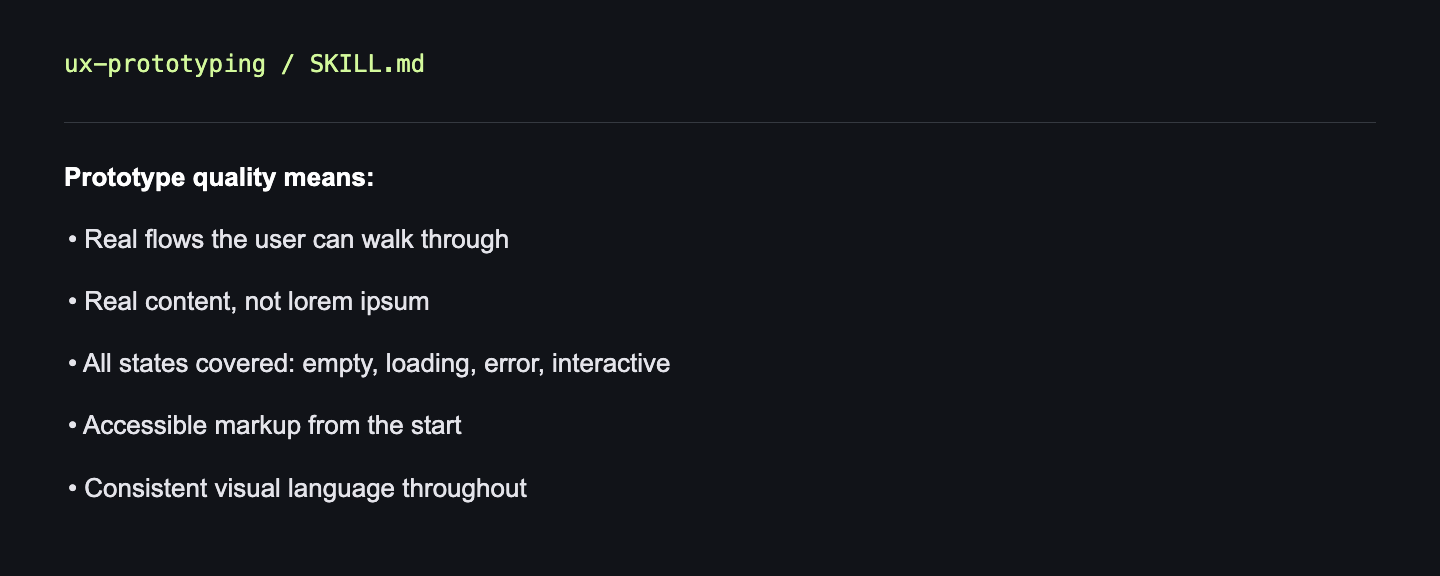
Prototype quality means:
• Real flows the user can walk through
• Real content, not lorem ipsum
• All states covered: empty, loading, error, interactive
• Accessible markup from the start
• Consistent visual language throughout